Using AI to Help Set Up a Linux Homelab Server

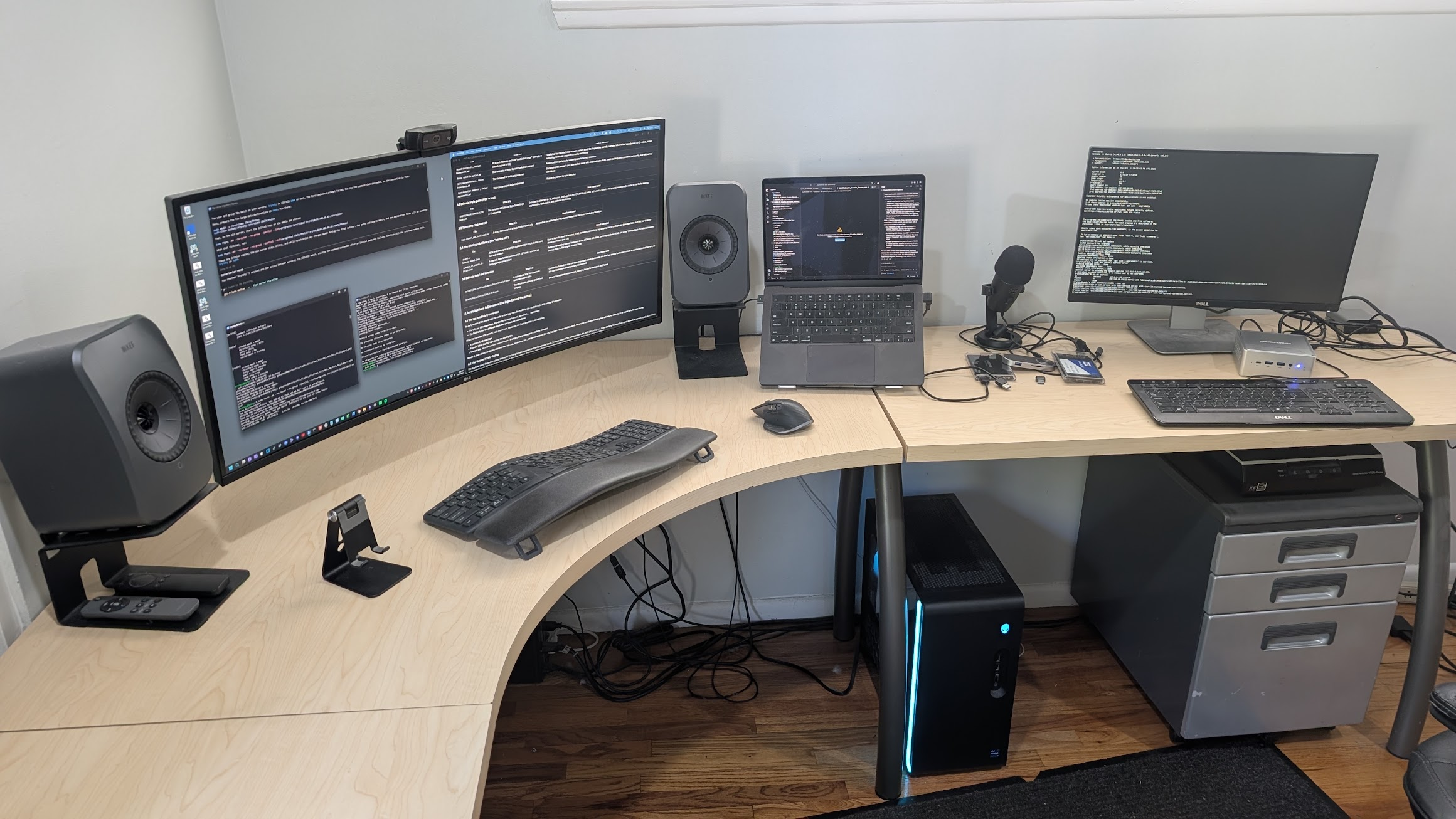
Summary: I used AI to set up an Ubuntu server and move my Docker containers off my desktop, knowing very little about Linux.
This project started because I was running Plex Media Server on my personal computer. Then I started installing some Docker containers as well, including the Immich photo gallery server and a few others. It didn’t take long to realize I was using too many resources on my desktop and needed to offload them to a server.
Going Against My Own Philosophy
This runs a bit contrary to how I’ve approached my computer setup in the past. I’ve spent years trying to minimize and simplify it. I used to have a NAS, but I found managing it as a separate device added overhead and more complexity I felt was unnecessary for my situation. So I got rid of it and started using my desktop for daily full local backups. I also back up to the cloud daily, which is extremely important as well.
So I struggled a bit with adding complexity back into my home computing setup by introducing a server. I was starting to see both the value and necessity of it as I was running out of desktop headroom. Having a dedicated machine for the things that need to run all the time and allow family members outside my network to access them began to make more sense, and it frees up my desktop resources in a big way.
The Linux Problem
I decided Ubuntu Server was probably the best way to set up my server based on my use case. I don’t know Linux, which is a problem. The learning curve to get up to speed is steep, between setting up the OS, getting comfortable with the command line, and migrating and configuring all of the Docker containers. That’s a lot of work and I really didn’t want to invest so much of my time doing all of this.
How AI Changed the Equation
In the past I wouldn’t have attempted this as the learning curve and amount of work necessary would have been pretty overwhelming for me. However, AI has made so many tasks like this quite easy and continues to change my willingness to even try. With AI guiding me, I was able to:
- Set up an Ubuntu server
- Migrate all of my Docker containers from my desktop to the new server
- Set up the Docker containers for Plex and Immich on the server
- Install Jellyfin to test as an alternative to Plex
- Learn about other Linux tools and services to help me maintain the server
Instead of stopping to research every unfamiliar command or concept, I could just ask and get an answer in the context of what I was actually doing. It also got me up to speed on Linux far quicker than I would have on my own. I learned as I went, and because I was solving a real problem I was motivated to understand what it was doing instead of blindly copying commands.
I’ll admit I was a little skeptical that I could pull this off without a ton of frustration. But AI continues to surprise me. It has been pretty amazing to see how quickly I went from nothing to a server up and running with everything migrated over. It’s a good example of the kind of project I would have avoided in the past simply because of the time investment.
I’m still learning. Security is important and I’ve tried to lock down the server quite a bit by not opening any ports outside my network and making sure to follow best practices. I’ve set up Tailscale for external access. I have also set up a daily job to back up the server.
Final Thoughts
I’m still not thrilled about adding another piece of hardware to manage after working so hard to simplify things. But so far the trade-off seems worth it. My desktop is running better and I have a proper home for my media and Docker containers. I’ll see how maintenance goes over time, and I plan to share more as I learn.I wanted to share this experience because setting up and managing a Linux server used to feel daunting. Having AI guide me while I learned along the way made it doable, and I think others should try it.